BIM vs Revit: The Most Common Confusion in AEC
Picture this scenario. You are sitting in a sleek, glass-walled conference room in downtown Miami. Around the table, you have a seasoned real estate developer, a visionary architect, and an interior designer who just wants to make sure the custom millwork fits. The project manager looks at the screen and asks the inevitable question: “Are we using BIM or Revit for this project?”
Suddenly, the room goes quiet. People exchange glances. It is the million-dollar question that consistently trips up even experienced professionals in the Architecture, Engineering, and Construction (AEC) industry. The ongoing debate of BIM vs Revit is everywhere, from design studios in New York to massive subdivision sites in Texas. Let us clear the air once and for all.
The short answer is: BIM (Building Information Modeling) is the process, and Revit is the tool. BIM is a collaborative methodology used to create and manage data across a project’s lifecycle, while Revit is a specific software application built to execute that methodology. They are not competitors; they are a partnership.
By the end of this comprehensive guide, you will understand exactly how the BIM vs Revit relationship works, why getting it right is crucial for any US real estate development, and how to leverage both to save time, reduce overhead costs, and ultimately create stunning visual presentations that sell your properties faster. Let us dive into the details.
What is BIM? (The Master Plan)
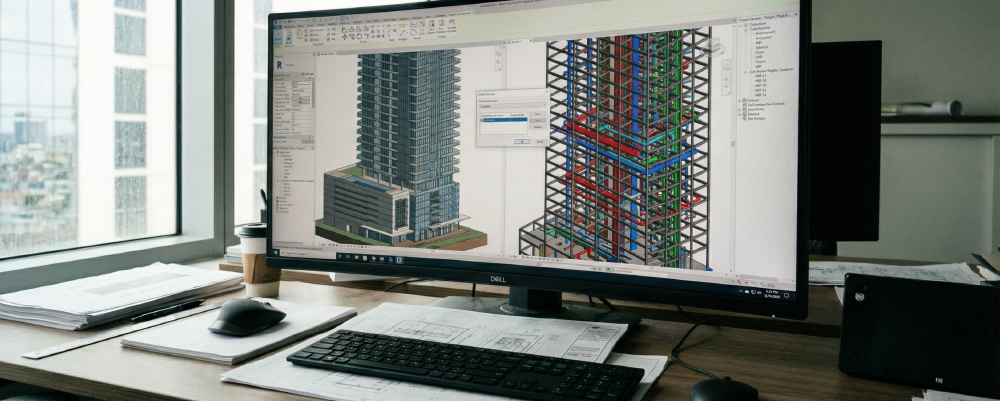
When we talk about the great BIM vs Revit distinction, we have to start with the big picture. BIM stands for Building Information Modeling. However, the most critical letter in that acronym is the “I” for Information.
BIM is not just a fancy 3D geometry viewer. It is a highly intelligent, data-rich ecosystem. Imagine a digital twin of your future building before a single shovel hits the dirt. In a true BIM environment, a door is not just a rectangle drawn on a screen. That digital door knows its exact physical dimensions, its fire rating, its acoustic properties, its manufacturer, and its exact cost.
For real estate developers and home builders, implementing this methodology is an absolute game-changer. When you embrace Building Information Modeling, you are essentially ensuring fewer change orders, predicting lifecycle costs, and maintaining a tighter grip on your project’s timeline. It forces all disciplines, architects, structural engineers, and MEP (Mechanical, Electrical, and Plumbing) contractors, to play in the same sandbox and resolve conflicts virtually rather than on the job site where mistakes cost real dollars.
To dive deeper into how this overarching methodology is reshaping global construction standards, you can learn more on the official Autodesk BIM solutions page. Understanding the core philosophy of BIM is the first step in mastering modern architectural development.
What is Revit? (The Ultimate Tool)
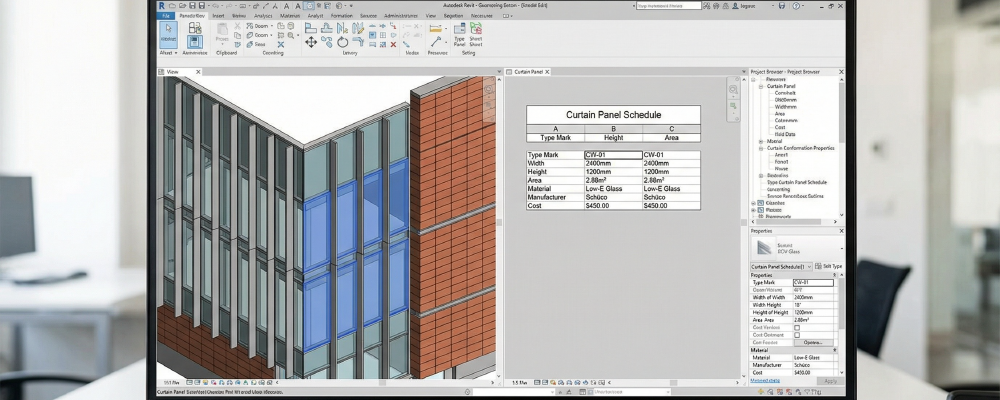
If BIM is the master plan, Revit is the heavy machinery used to build it. To continue clarifying the BIM vs Revit conversation, we need to look at the software itself. Autodesk Revit is currently the industry standard engine that drives the BIM process in the United States. It is the software where the actual lines are drawn, the parameters are set, and the critical data is inputted by your design team.
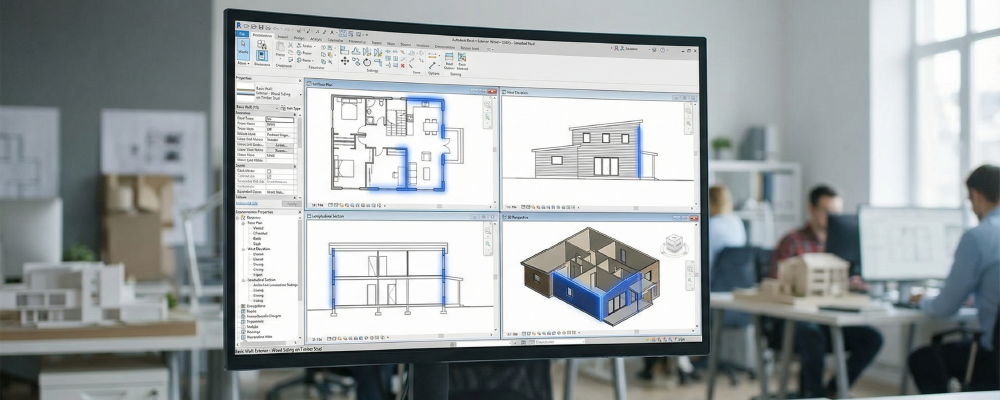
For architects and interior designers, the magic of Autodesk Revit architecture lies in parametric modeling. In the old days, if an architect decided to move an exterior wall two feet to the left, they would have to manually redraw the floor plan, the structural section cuts, the exterior elevations, and the window schedules.
With Revit 3D modeling, everything is interconnected. If you move that wall in a 3D view, the software automatically updates the 2D floor plan, adjusts the square footage calculations, and modifies the material take-offs in real-time. This dynamic, interconnected workflow is what makes Revit the ultimate tool for executing a BIM strategy.
You can explore the extensive features and parametric capabilities of the software directly on the Autodesk Revit overview. It is the powerhouse that turns the abstract concept of BIM into a tangible, workable file.
The Transition: Why the Industry is Moving Away from Traditional CAD
To truly appreciate the BIM vs Revit dynamic, we have to look back at what we are leaving behind. For decades, traditional CAD (Computer-Aided Design) was the king of the drafting room. But today, a standard BIM software comparison will show you exactly why CAD is taking a backseat in major US developments.
The key distinction is simple but profound: CAD is digital drafting, while BIM is digital building.
When you use CAD, you are using a computer to draw digital lines that represent walls, doors, and windows. It is essentially an electronic pencil. Those lines carry no inherent data; they are just dumb geometry. If a pipe runs straight through a steel beam in a 2D CAD drawing, the computer will not warn you. You will only find out when the contractor is standing on scaffolding, yelling at the site manager.
We must acknowledge that traditional drafting still holds value for certain applications, and software like Autodesk AutoCAD remains incredibly useful for fast, 2D detailing or smaller renovations. However, the complex demands, aggressive timelines, and tight margins of modern US real estate development strictly require the intelligent data that BIM provides. Proper BIM implementation minimizes risk, which is why banks, investors, and developers now demand it as a standard.
How Different Professionals Leverage the “BIM vs Revit” Synergy
Understanding the BIM vs Revit distinction is only half the battle. The real value comes from seeing how different players in the AEC industry leverage this synergy to streamline their specific workflows. Let us break down how this powerful combination serves your team.
-
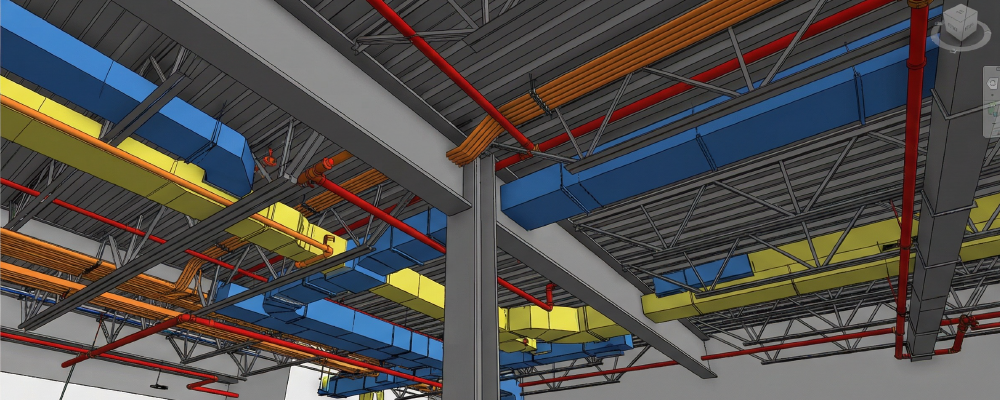
For Architects: The primary goal of an architect is to ensure that their creative design intent translates perfectly into structural reality. By using Revit to facilitate BIM, architects can model complex geometries and immediately run clash detection. This ensures their beautiful vaulted ceilings do not accidentally intersect with the MEP ductwork, preserving the integrity of the design while keeping the engineers happy.
-
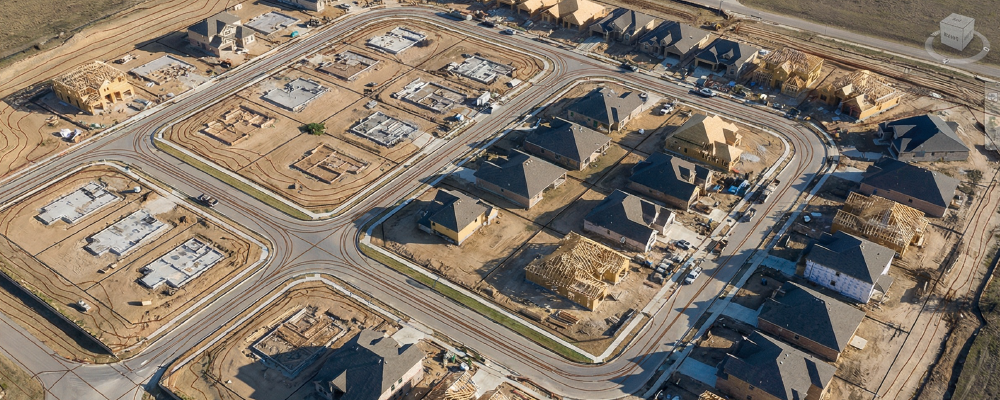
For Developers & Home Builders: If you are funding the project, you care about the bottom line. The BIM vs Revit workflow gives developers precise cost estimations and material schedules before construction begins. Furthermore, Revit models can seamlessly interact with site-specific topological data from civil engineering tools like Autodesk Civil 3D. This allows home builders to visualize how a new subdivision will sit on the actual terrain, optimizing land development and grading costs.
-
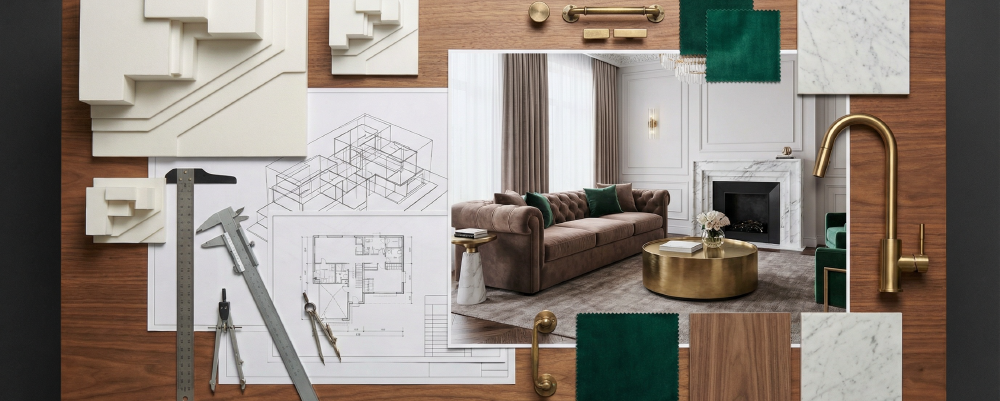
For Interior Designers: Interior design is no longer just about mood boards and fabric swatches. Designers use Revit to conduct accurate spatial planning and complex lighting analysis. Because the Revit model holds deep metadata, interior designers can extract exact material take-offs directly from the 3D model, ensuring that they order the precise amount of custom Italian tile needed for a luxury hotel lobby, virtually eliminating expensive material waste.
Real-World Application: Streamlining Complex Developments
Theory is great, but practice pays the bills. Let us look at a practical application of the BIM vs Revit workflow. Imagine a massive, mixed-use development in downtown Los Angeles. You have retail space on the ground floor, commercial offices in the middle, and luxury residential penthouses on top.
Trying to coordinate the plumbing, electrical, structural, and architectural elements of a project this size using traditional 2D CAD would be a logistical nightmare, likely resulting in months of delays and millions in rework.
By employing a strict BIM methodology and utilizing Revit as the central authoring tool, the entire project team works from a single source of truth. The structural engineer in Chicago, the architect in New York, and the developer in California can all access the central model simultaneously.
To see exactly how this synergy functions in action, check out our detailed case study on How Architects Use BIM & 3D Rendering to Streamline a Mixed-Use Development, where we break down the entire workflow from raw, technical data to the final, breathtaking visual presentation.

Elevating Your Projects: From BIM Data to Stunning 3D Renderings
Now we arrive at the most exciting part of the BIM vs Revit journey: the visual payoff. This is where the technical precision of engineering meets the emotional impact of marketing.
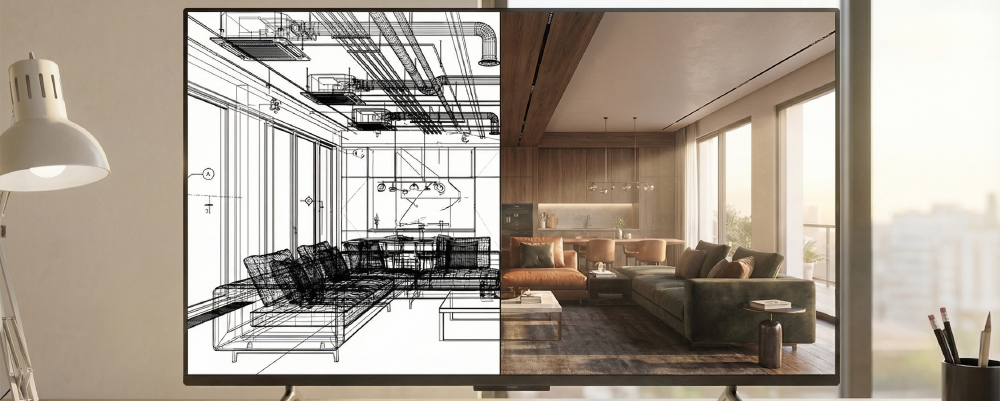
A clean, well-executed Revit model that strictly follows BIM standards is the absolute ultimate foundation for photorealistic rendering. When you are trying to pre-sell luxury condos or secure municipal approval for a commercial complex, flat 2D blueprints simply do not inspire investors or buyers. They need to see, feel, and experience the space.
This is exactly where the seamless pitch comes in. When Xpress Rendering receives a high-quality BIM model from your architectural team, our 3D artists do not have to guess. The exact materials, the spatial dimensions, the window placements, and the lighting intent are already baked into the data. We take that raw, highly technical Revit file and elevate it. We add the perfect golden hour lighting, the lifelike textures, and the atmospheric mood that turns a clinical model into an emotional, high-end visual asset that sells properties faster and at higher price points.
Ready to turn your intelligent Revit models into breathtaking marketing assets? Do not let your data sit in a technical file. Explore our BIM Visualization Services at Xpress Rendering and let’s bring your next major development to life with visuals that demand attention. Get a quote for your project here.
BIM vs Revit: Frequently Asked Questions (FAQs)
To ensure we cover every angle of the BIM vs Revit topic, here are the most common questions professionals in the AEC industry ask when optimizing their workflows.
-
What is the difference between Revit and BIM?
BIM is a collaborative process and methodology for managing a building’s data, while Revit is a software application designed specifically to support and execute that BIM process. Think of BIM as the strategy and Revit as the tactic.
-
What is the difference between 3D CAD modeling and BIM?
While 3D CAD provides geometrical expressions of a building, BIM goes beyond geometry to capture relationships, metadata, and real-world behaviors of construction components, offering much deeper project insights. CAD shows you what a building looks like; BIM tells you how it operates.
-
What are the main advantages of BIM over traditional CAD?
BIM centralizes all design and construction documents into a single, connected data set. This allows teams to extract 2D, 3D, and tabular data instantly, reducing errors and increasing performance compared to the scattered, disconnected files of traditional CAD workflows.
-
Do I need Revit to do BIM?
No. While Revit is the most popular software for architectural design in the US market, BIM is a methodology that can be executed using various other software platforms (like ArchiCAD or Allplan). However, mastering the BIM vs Revit dynamic is highly recommended for seamless integration in North America.
-
How does BIM benefit real estate developers?
It provides precise cost estimations, reduces construction errors through virtual clash detection, and speeds up the timeline from design to pre-selling, ultimately improving the project’s ROI and reducing financial risk.
-
Can interior designers use Revit?
Absolutely. Interior designers use Revit to build accurate 3D interior spaces, track custom material quantities, and ensure their complex designs fit perfectly within the architectural shell without conflicting with existing MEP systems.
-
Why do architects prefer BIM for large-scale US projects?
In highly regulated and fast-paced real estate markets like New York, Miami, or Texas, BIM ensures all disciplines (architecture, engineering, construction) are aligned in real-time. This prevents costly on-site delays and ensures strict local code compliance from day one.
BIM vs Revit: The Final Verdict
Ultimately, the “BIM vs Revit” debate isn’t about choosing a winner, it’s about understanding a highly profitable partnership. BIM provides the strategic, data-driven methodology that keeps complex projects on budget and on time, while Autodesk Revit serves as the powerful software engine that brings that strategy to life.
By mastering how these two forces work seamlessly together, modern AEC professionals can move past the industry confusion, streamline their workflows, and confidently deliver smarter, more efficient developments across the competitive US real estate market.