Imagine breaking ground on a massive multi-family residential complex in Texas. The concrete foundation is poured, the structural steel arrives on schedule, the HVAC routing is planned, and suddenly, you hit a hard clash. A major ventilation duct is routed straight through a critical load-bearing steel beam. The job site grinds to a sudden halt. Requests for Information (RFIs) start flying, change orders pile up, and your project profit margin takes a direct, painful hit. Why did this happen? Because the architect’s 3D model was only conceptual, but the framing subcontractor took it as absolute gospel.
This is exactly where understanding BIM Levels of Development comes in to save your construction timeline, your budget, and your sanity. For US General Contractors, real estate developers, and architectural firms, BIM Levels of Development are not just fancy industry jargon thrown around in meetings; they represent a legally binding language. They define exactly how much you can trust a specific element within a 3D model at any given stage of the project lifecycle.
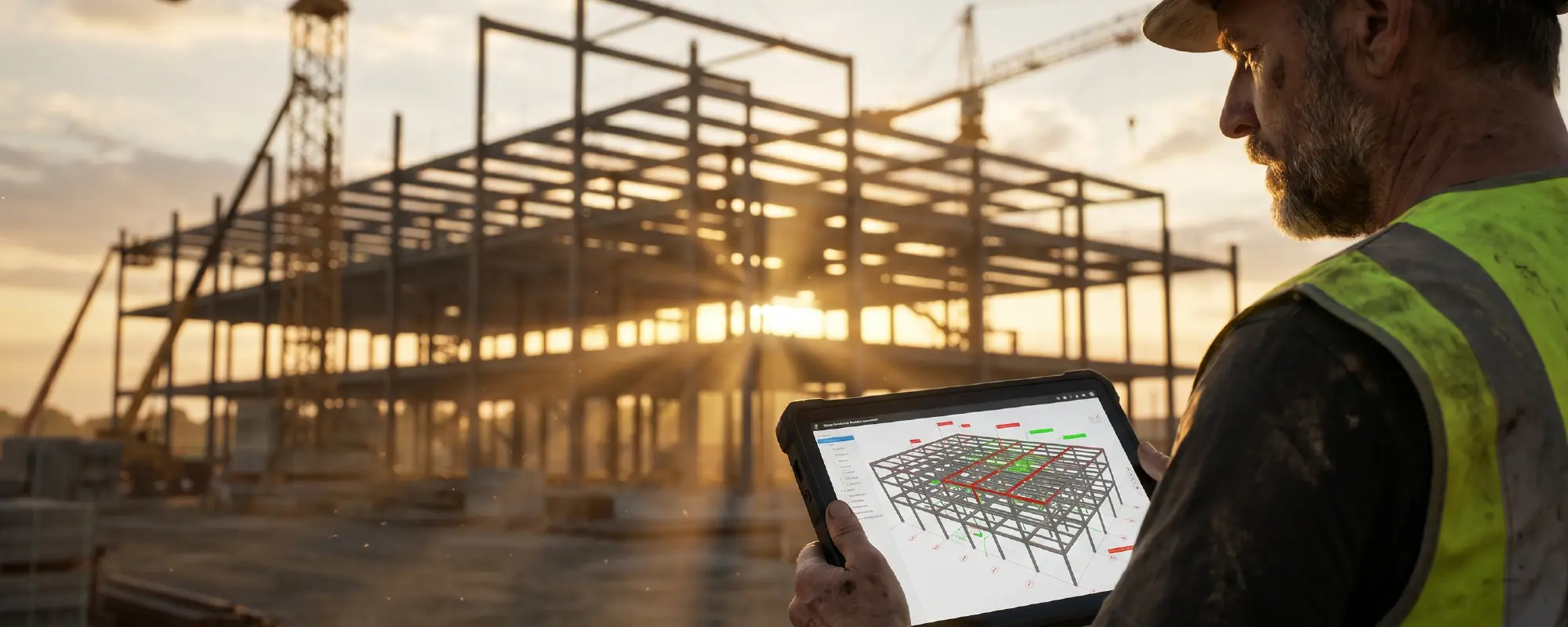
If you have ever stared at a beautifully rendered 3D model on a tablet and wondered, “Can I actually pull accurate material quantities from this?” or “Is this plumbing pipe exactly where it will be installed in the ceiling plenum?”, you are asking fundamental questions about BIM Levels of Development. In this comprehensive guide, we are going to break down the entire spectrum of LOD 100 to 500, demystify the industry standards, and show you how to leverage this digital framework to build smarter, faster, and significantly more profitably.
The Big Misunderstanding: Level of Development vs. Level of Detail
Before we dive into the specific numbers and design stages, we must clear up the single most common mistake made in the AEC (Architecture, Engineering, and Construction) industry: confusing Detail with Development. While they sound incredibly similar and unfortunately share the exact same acronym, mixing them up is a guaranteed recipe for disaster on a busy commercial job site.
- Level of Detail: This metric refers to how much the element looks like the real thing. It is purely about visual richness and graphical representation. A highly detailed model element might have realistic wood grain textures, dynamic shadows, and intricate geometric bevels.
- Level of Development: This metric refers to how much you can rely on the element’s underlying data. It defines the accuracy of the geometry and the depth of the attached engineering data (such as pricing, fabrication specifications, and installation tolerances).
To put it in real estate and construction terms: comparing Level of Development vs Level of Detail is like comparing a beautifully staged model home to a fully permitted set of structural blueprints. You can have a visually stunning, hyper-realistic door in a 3D model (High Detail) that is essentially just a dumb box of polygons with zero manufacturer specifications behind it (Low Development). Conversely, you can have a simple gray rectangular box representing a commercial chiller unit (Low Detail) that is packed with exact dimensions, weight limits, clearance requirements, and electrical load data (High Development).
When professional architects and builders talk about BIM Levels of Development, we are talking strictly about data reliability. We are talking about building absolute certainty into your construction pipeline.
The BIM LOD Spectrum: From Concept to Concrete (LOD 100 to 500)
To effectively manage a construction pipeline, every stakeholder needs to know the exact status of the model they are looking at. The spectrum from LOD 100 to 500 serves as a universal roadmap for the evolution of a digital building. Let’s break down these stages through the practical lens of an architect, a developer, and a general contractor.
LOD 100: The Napkin Sketch (Conceptual Design)
What it is: At the very beginning of the BIM Levels of Development scale, elements are basic placeholders. The model shows the mere existence of a building element but uses 2D symbols or generic 3D volumes to represent it. It is the digital equivalent of a brilliant architectural idea sketched on a coffee shop napkin.
The US Market Reality: At this early stage, developers and institutional investors are looking purely at project feasibility. Does the financial math make sense? Will this proposed building footprint fit on the specific lot in downtown Austin? The information derived from LOD 100 elements must be considered highly approximate. You can pull a rough square footage, but you absolutely cannot order construction materials based on these numbers.
GC Use Case: General contractors use LOD 100 primarily for conceptual cost allowances, such as estimating the overall cost per square foot based on historical data for similar commercial projects in the region.

LOD 200: The “Rough Draft” (Schematic Design)
What it is: Moving up the ladder of BIM Levels of Development, LOD 200 introduces approximate geometry, size, shape, and location. The model elements start to look like the actual building systems they represent, but the exact dimensions are still cooking. The design remains fluid, and structural grids are subject to shift as engineering feedback comes in.
The US Market Reality: Architects and interior designers use this phase to present schematic designs to clients. It gives real estate developers a solid, visual feel for the massing and spatial flow of the property. However, it is still entirely too early to lock in subcontractor bids or sign purchase orders.
GC Use Case: Early design coordination and preliminary logistical planning. You can start to see where the major mechanical rooms will be located, allowing you to roughly plan site access, crane placement, and heavy equipment needs.

LOD 300: The Exact Fit (Precise Geometry)
What it is: Welcome to the turning point in the BIM Levels of Development framework. At LOD 300, elements are modeled as specific systems with precise quantities, sizes, shapes, and locations. The origin points are locked in. This is traditional “construction document” level modeling. If a masonry wall is shown as 6 inches thick, it is exactly 6 inches thick in the digital model.
The US Market Reality: This is where Revit LOD standards truly begin to shine. At this stage of BIM Levels of Development, spatial precision is non-negotiable. If you are dealing with commercial developments, retail spaces, or public facilities in the US, this is the exact moment where you must verify critical architectural clearances.
A slight miscalculation in hallway width or bathroom turn radiuses at LOD 300 can lead to massive compliance headaches, lawsuits, and costly tear-downs later. For a deeper dive into avoiding these severe spatial errors, check out our essential guide on 6 ADA Compliance Mistakes and learn how accurate, disciplined 3D modeling prevents them entirely before a single hammer swings.
GC Use Case: Accurate cost estimation and traditional bidding. You can trust the quantities generated by the model to confidently price out drywall, flooring, and standard architectural fixtures.
LOD 350: The Handshake (Coordination & Connections)
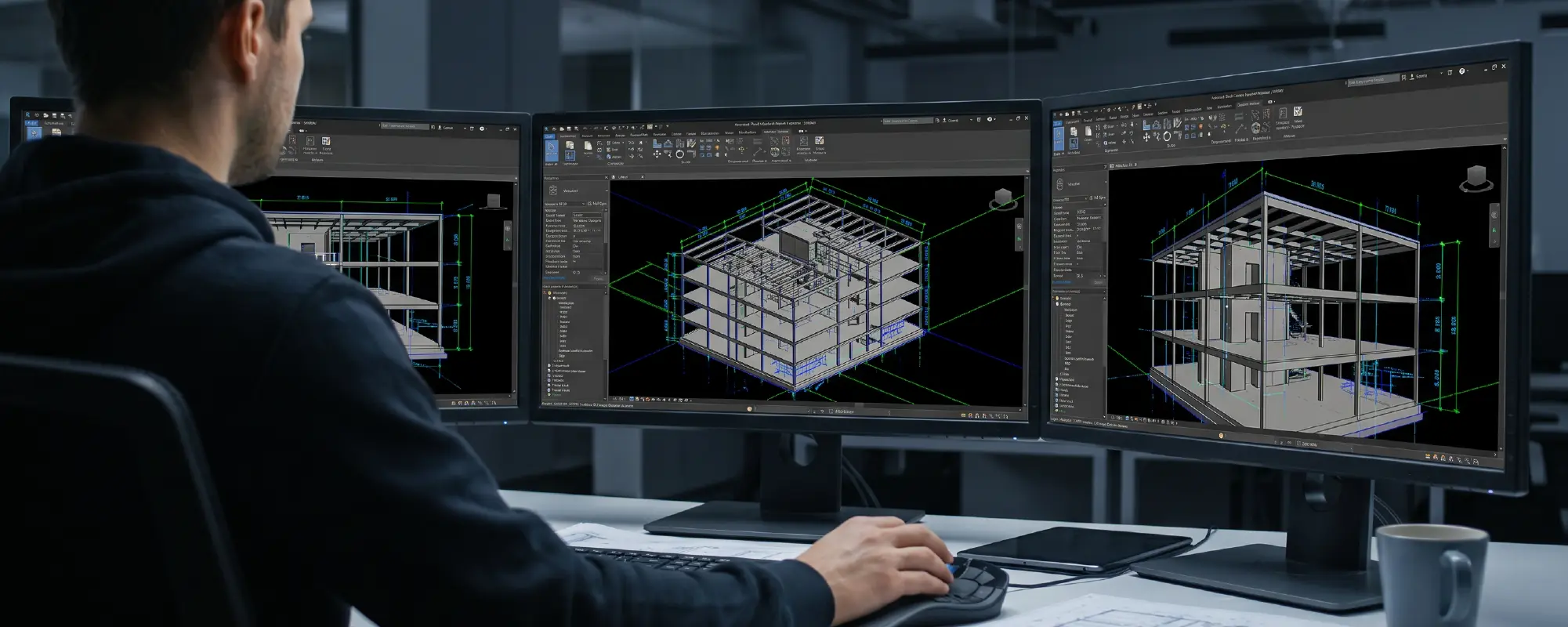
What it is: LOD 350 is the absolute sweet spot for US General Contractors. It includes everything found in LOD 300, but it adds the critical interfaces and connections with other building systems. It doesn’t just show a plumbing pipe; it shows the actual hanger holding the pipe and the bracket connecting it to the concrete slab.
The US Market Reality: This level is the unbreakable backbone of proper BIM coordination for contractors. Without reaching LOD 350, clash detection is essentially just expensive guesswork. When you are coordinating the installation of complex mechanical, electrical, and plumbing (MEP) systems in a tight ceiling plenum, you need to know exactly how systems interact to avoid the dreaded “field routing” scenario.
GC Use Case: Hard clash detection, cross-disciplinary coordination (MEP vs. Structural), and pre-construction constructability reviews. Getting your project model to LOD 350 before breaking ground is the single highest ROI activity a general contractor can invest in.
LOD 400: The Assembly Line (Fabrication-Ready)
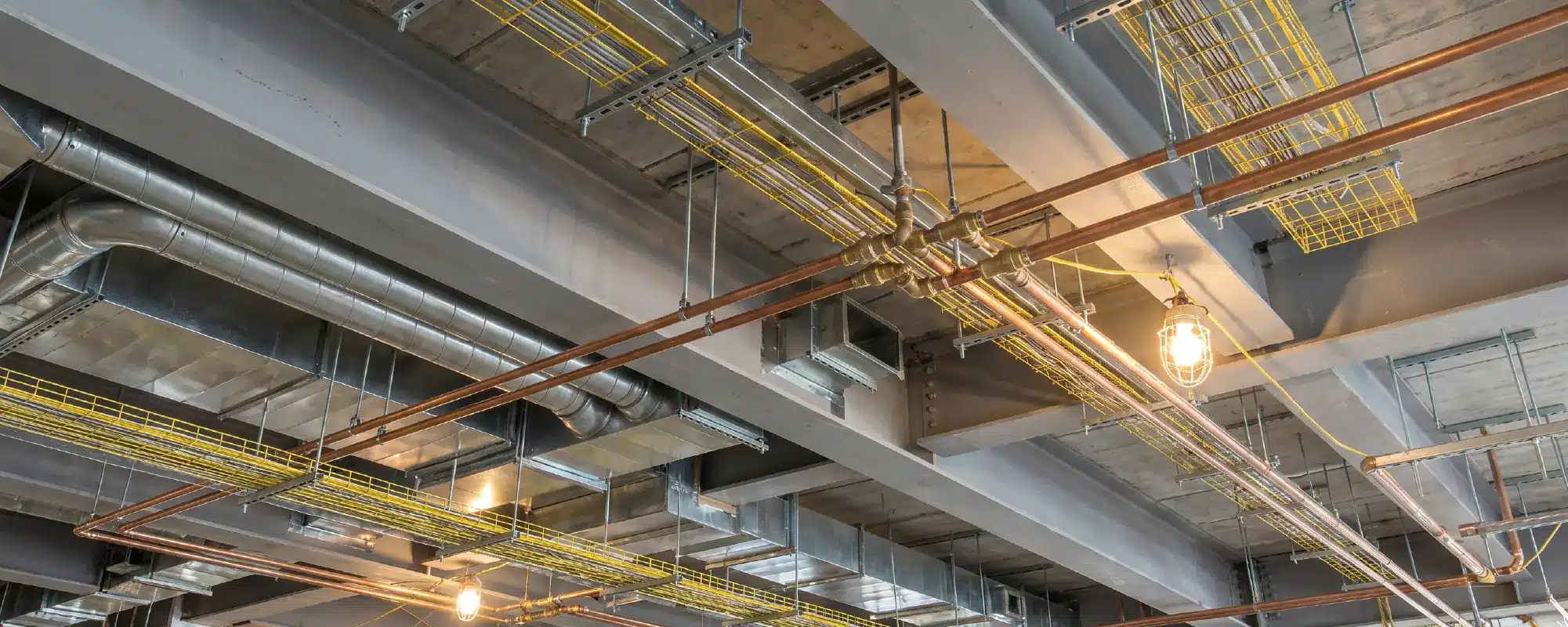
What it is: The element is modeled with exhaustive detailing, fabrication, assembly, and installation information. This means precise weld locations, exact bolt hole placements, and specific manufacturer model numbers. The digital element is a perfect, 1:1 replica of the physical element that will arrive on the flatbed truck.
The US Market Reality: LOD 400 is not usually handled by the primary architect; it is typically generated by specialized trade subcontractors (like structural steel detailers or custom millwork shops). They use this high level of BIM Levels of Development to feed data directly into CNC machines and automated manufacturing equipment off-site.
Adding every single nut, bolt, and piece of rebar detail makes these project files incredibly heavy and complex to navigate. To keep your team’s workflow smooth without experiencing hardware crashes or server lag, apply our industry-tested best practices for Managing Large BIM Models in Revit.
GC Use Case: Off-site prefabrication, exact material ordering, and detailed installation sequencing. This level drastically reduces waste, speeds up assembly, and keeps job sites incredibly clean and efficient.

LOD 500: The Digital Twin (As-Built & Facility Management)
What it is: LOD 500 represents field-verified, as-built conditions. During construction, things occasionally change, a pipe is shifted a few inches to avoid an unforeseen structural obstacle. LOD 500 means the model has been updated post-construction to reflect exactly what was built in reality.
The US Market Reality: While not every project requires LOD 500, forward-thinking real estate developers and institutional owners increasingly demand it. They use this rich, data-heavy digital twin for post-construction asset tracking, preventative maintenance scheduling, and total lifecycle management.
GC Use Case: Handing over the keys. Delivering an LOD 500 model alongside the physical building elevates a general contractor from a simple builder to a sophisticated, long-term technology partner.

At-a-Glance: The Architect & GC’s LOD Cheat Sheet
A quick reference guide comparing visual detail with data reliability across all
| LOD Level | Project Phase | Data Reliability | GC / Subcontractor Action | The “Architect’s Reality” |
|---|---|---|---|---|
| LOD 100 | Conceptual Design | Approximate (Low) | Rough cost-per-square-foot estimating | “It’s just a massing block. Please do not order materials yet!” |
| LOD 200 | Schematic Design | General (Placeholder) | Site logistics and early spatial coordination | “We know it’s an HVAC unit, but we haven’t picked the brand.” |
| LOD 300 | Construction Docs | Precise Geometry (High) | Traditional bidding and accurate quantity takeoffs | “The wall is exactly here, but the subs need to figure out the connections.” |
| LOD 350 | MEP Coordination | Interfaced (Very High) | Hard clash detection and cross-trade routing | “This pipe now has a hanger, and it clears the steel beam by 2 inches.” |
| LOD 400 | Fabrication | Manufacturing (Exact) | CNC manufacturing, prefabrication, material orders | “Here is the exact weld type, bolt size, and installation tolerance.” |
| LOD 500 | Facility Management | Field-Verified (Actual) | Project handover and operations tracking | “The digital twin. It matches the physical building flawlessly.” |
Why the US Construction Industry Relies on the BIMForum Standards
If you rewind a couple of decades, 3D modeling in commercial construction was essentially the wild west. A “detailed model” meant something entirely different to a creative architect in New York than it did to a pragmatic steel fabricator in California. This ambiguity led to constant litigation, blown budgets, and shattered schedules.
To bring order to the chaos, the American Institute of Architects (AIA) introduced the foundational concept of BIM Levels of Development back in 2008 with their AIA Document E202. This was a massive leap forward. However, the industry needed even more granular, practical definitions to govern day-to-day drafting and modeling tasks.
Today, the definitive guide utilized by top-tier US developers, engineering firms, and general contractors is the BIMForum LOD Specification. This highly detailed, industry-backed document provides specific, visual examples of what an element should look like, and what data it must legally contain, at every single stage from LOD 100 to 500.
Aligning your project’s BIM Execution Plan (BEP) with the BIMForum LOD specification ensures that every single stakeholder speaks the exact same language. From the architect designing the exterior curtain wall to the plumbing engineer routing the sanitary lines below ground, adhering to standard BIM Levels of Development provides a legally binding framework of expectations, eliminating confusion and protecting all parties involved.
How to Avoid “Over-Modeling” and Protect Your Margins
Understanding LOD in BIM is an incredibly powerful tool, but it also comes with a critical warning for project managers: Do not over-model.
One of the biggest mistakes inexperienced BIM teams make is trying to push every single building element to LOD 400. Modeling a standard, non-load-bearing interior partition wall to LOD 400 (which would involve modeling every single drywall screw and stud track perfectly aligned) is an absolute waste of time, computing power, and client money. For standard architectural walls, LOD 300 is perfectly fine.
The secret to a highly profitable and efficient workflow when implementing BIM coordination for contractors is applying the right LOD to the right elements at the exact right time. This is done through an LOD Matrix, a spreadsheet that assigns a specific target LOD to specific building systems at specific project milestones. For instance, you might logically require the structural steel to hit LOD 400 for off-site fabrication, while the exterior landscaping elements comfortably remain at LOD 200 throughout the entire project.
Ready to Bring Certainty to Your Construction Pipeline?
Are physical clashes, inaccurate 2D drawings, and unexpected field routing eating into your construction margins? You don’t need to build an expensive in-house BIM department to achieve flawless LOD 350+ coordination. At Xpress Rendering, we provide highly accurate, US-standard Revit BIM Modeling and MEP Coordination tailored specifically for General Contractors, Architects, and Developers. We eliminate the guesswork so you can build with absolute confidence.
Conclusion
Embracing and truly understanding BIM Levels of Development fundamentally changes how a US General Contractor, developer, or architect approaches a commercial project. It shifts the entire conversation away from the subjective, unhelpful question of “Does this look right?” to the objective, data-driven question of “Is this information reliable enough to build from?”
By standardizing your project expectations across the spectrum of LOD 100 to 500, you effectively build a digital shield around your project. You reduce financial risk, eliminate on-site guesswork, drastically cut down on RFIs, and ensure that what is modeled on the screen is exactly what gets built in the real world. In the fast-paced, high-stakes arena of US real estate and construction, mastering BIM Levels of Development isn’t just an operational advantage, it is the blueprint for profitability and long-term success.
Frequently Asked Questions (FAQs) About BIM Levels of Development
1. What is the difference between LOD 300 and LOD 350?
While LOD 300 defines the precise geometry, size, and location of a specific building element, LOD 350 goes a critical step further by showing exactly how that element connects and interfaces with other surrounding building systems (such as hangers, supports, and specific connections). LOD 350 is the golden standard requirement for highly accurate clash detection.
2. Does every single BIM project need to reach LOD 500?
No. LOD 500 represents a field-verified, as-built digital model. It is only necessary if the building owner, developer, or facility manager specifically requests a Digital Twin for long-term facility management, asset tracking, and maintenance operations post-construction.
3. What does LOD stand for in the construction industry?
LOD stands for Level of Development. It is a standard framework originally created by the AIA to define the reliability, accuracy, and completeness of the engineering data and geometry within a 3D Building Information Model at various project milestones.
4. Can a single BIM model contain different LODs at the same time?
Yes, and they almost always do. During the design and coordination phases, the structural steel might be highly developed at LOD 400 for early fabrication, while the interior decorative finishes are still conceptual at LOD 200. BIM Levels of Development progress per specific element or system, not just for the entire model as a blanket status.
5. Why is LOD 400 so important for trade subcontractors?
LOD 400 provides fabrication-ready data. It contains the exact manufacturing details, assembly instructions, and tight installation tolerances required by specialized subcontractors (like MEP routers and steel fabricators) to safely and accurately prefabricate building parts off-site before shipping them to the job site.
6. How do I legally define LOD in my construction contracts?
US general contractors and architects should utilize a comprehensive BIM Execution Plan (BEP) paired with an LOD Matrix based on the BIMForum LOD specification. This matrix explicitly states which specific trade is responsible for bringing targeted building elements to a required LOD at various project milestones, ensuring total legal and operational clarity.